
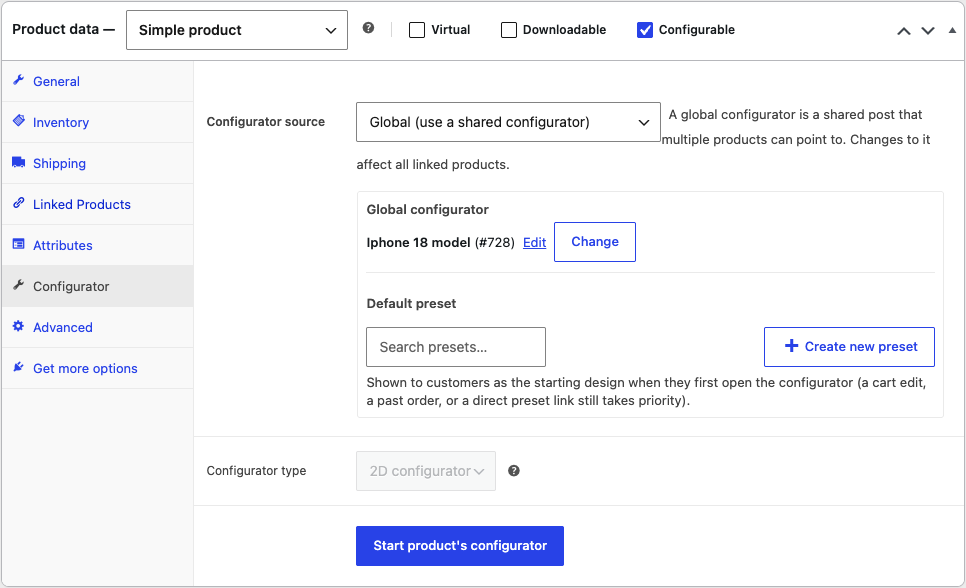
Every configurable product in v2 is in one of two modes. You choose which in the Configurator source setting on the product.
Local
Local (this product owns its configurator) is the default, and it is how the configurator has always worked. The layers and choices belong to that product and nothing else reads them. Editing them affects only that product.
Use local when the product is configured differently from everything else in your shop.
Global
Global (use a shared configurator) means the product does not store a configurator of its own. Instead it points to a global configurator, which is a separate item stored under Product Configurator > Global configurators.
Any number of products can point to the same global configurator. They all show the same layers and choices, and a change made once applies to all of them immediately.
Use global when several products are configured in exactly the same way.
What "shared" actually means
This is the part worth being clear about, because it is not a copy:
- A product in global mode holds only a link. It has no configurator data of its own.
- Editing the configurator from any linked product edits the global configurator itself, and therefore every other product using it.
- Removing a choice from a global configurator removes it everywhere at once.
When you open the configurator on a product that is linked to a global configurator, the editor tells you so:
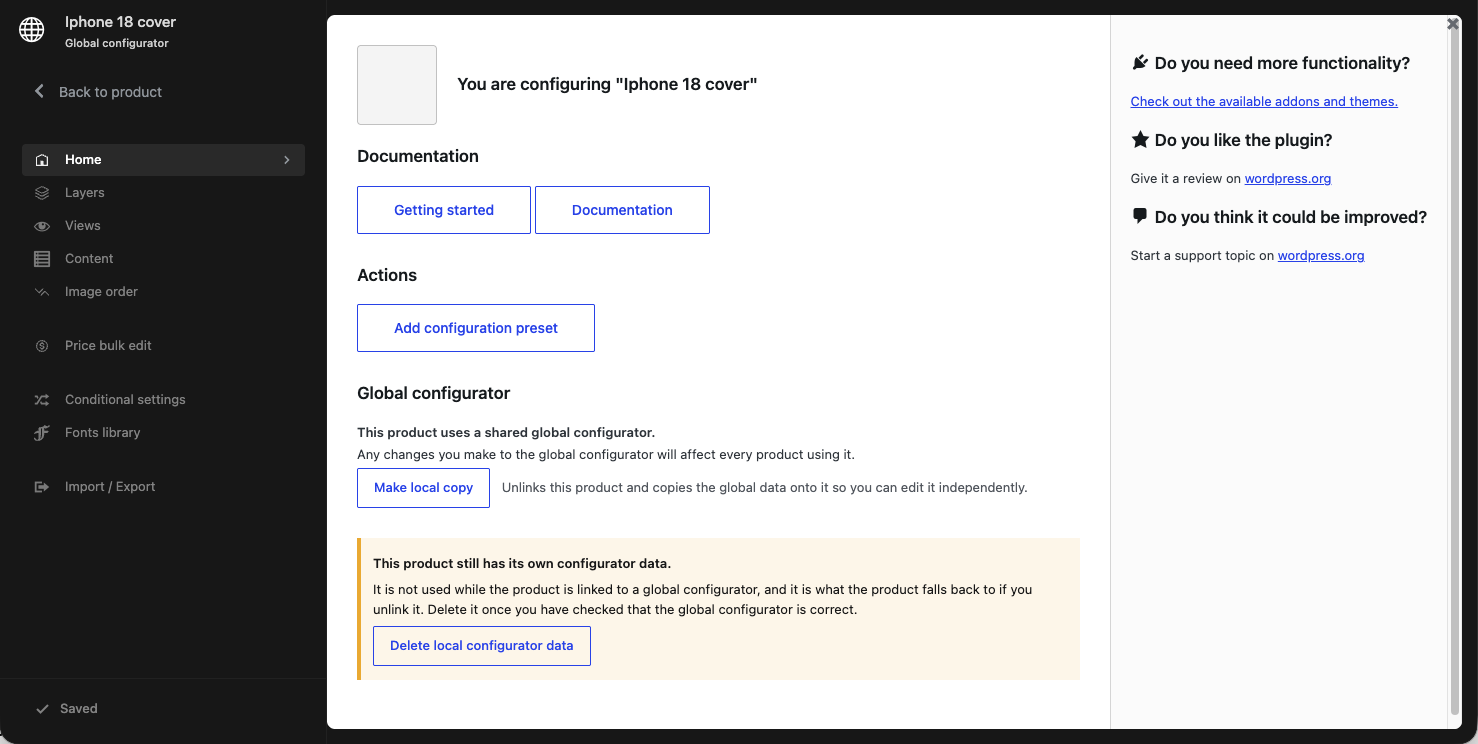
This product uses a shared global configurator. Any changes you make to the global configurator will affect every product using it.
The global configurator's own edit screen shows the matching message, You are editing a global configurator, together with a count of how many products currently use it.
Switching between the two
You can move a product in either direction at any time. Both actions are explicit and both ask for confirmation first.
- Turn into global configurator — takes the product's existing local configurator, creates a new global configurator from it, and links the product to it. The product's own configurator data is replaced by the link.
- Make local copy — takes the global configurator's current data, copies it onto the product, and unlinks the product. From then on the product has its own independent configurator and further changes to the global one no longer reach it.
Make local copy is the safety valve. If one product in a shared group needs to diverge, you do not have to break the group — you detach that single product and edit it freely.
Things to keep in mind
- Variations inherit their parent's setting. You cannot put an individual variation into global mode on its own.
- Deleting is not a merge. Turning a local configurator into a global one replaces the product's own data with a link. If you then unlink with Make local copy, you get back a copy of the global data — which may have changed in the meantime.
- Check what else is using it before making changes to a global configurator. The usage count on the global configurator tells you how many products you are about to affect.