
- Download the add-on manager plugin from your account.
- Go to Plugins > Add new > Upload plugin
- Choose the ZIP you downloaded and press Install.
- Activate the plugin.
- You'll then be given the option to connect the license. Do this using the email and password used when purchasing the add-ons.
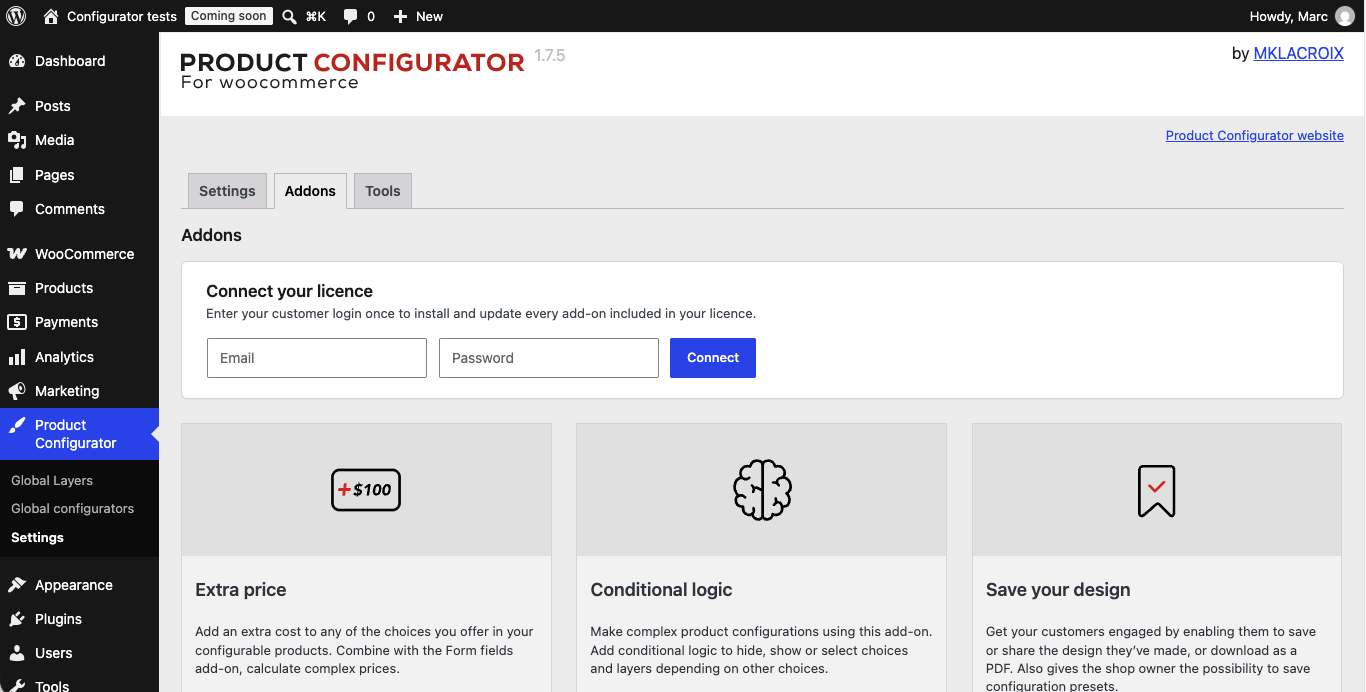
- Once the license is connected, you should be given the option to install the available add-ons.
- Each add-on might add sections or settings to the configurator, as well as in Product Configurator > Settings.
The connection screen is in Product Configurator > Settings > Add-ons.